For brands
That webinar you recorded? It is a month of posts.
Your team already records webinars, demos and talks. loopmojo turns them into on brand clips your team approves before anything goes out.
Works withZoom, Riverside or any video file
 Product launch webinarLength 52:10
becomes
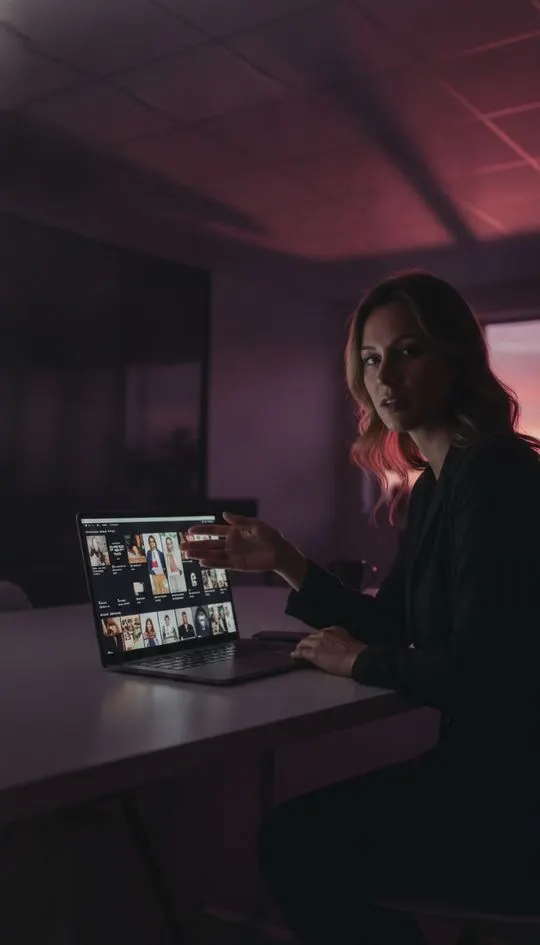
3 FEATURES IN 30S
Score940:303 FEATURES IN 30S, Mojo Score 94, 0:30 
SEE IT IN ACTION
Score920:28SEE IT IN ACTION, Mojo Score 92, 0:28 
WHY WE BUILT IT
Score900:35WHY WE BUILT IT, Mojo Score 90, 0:35

The numbers
Why brands post clips
#1
content format for marketing ROI, named by 21% of marketers
HubSpot State of Marketing 2025
17%
of marketers plan to invest more in short video, the top choice
HubSpot State of Marketing 2025
200B
Shorts views a day on YouTube
YouTube, Cannes Lions 2025
What you get
What brands use it for
Reach and leads for less
Use what you already recorded. No new shoots.
Always on brand
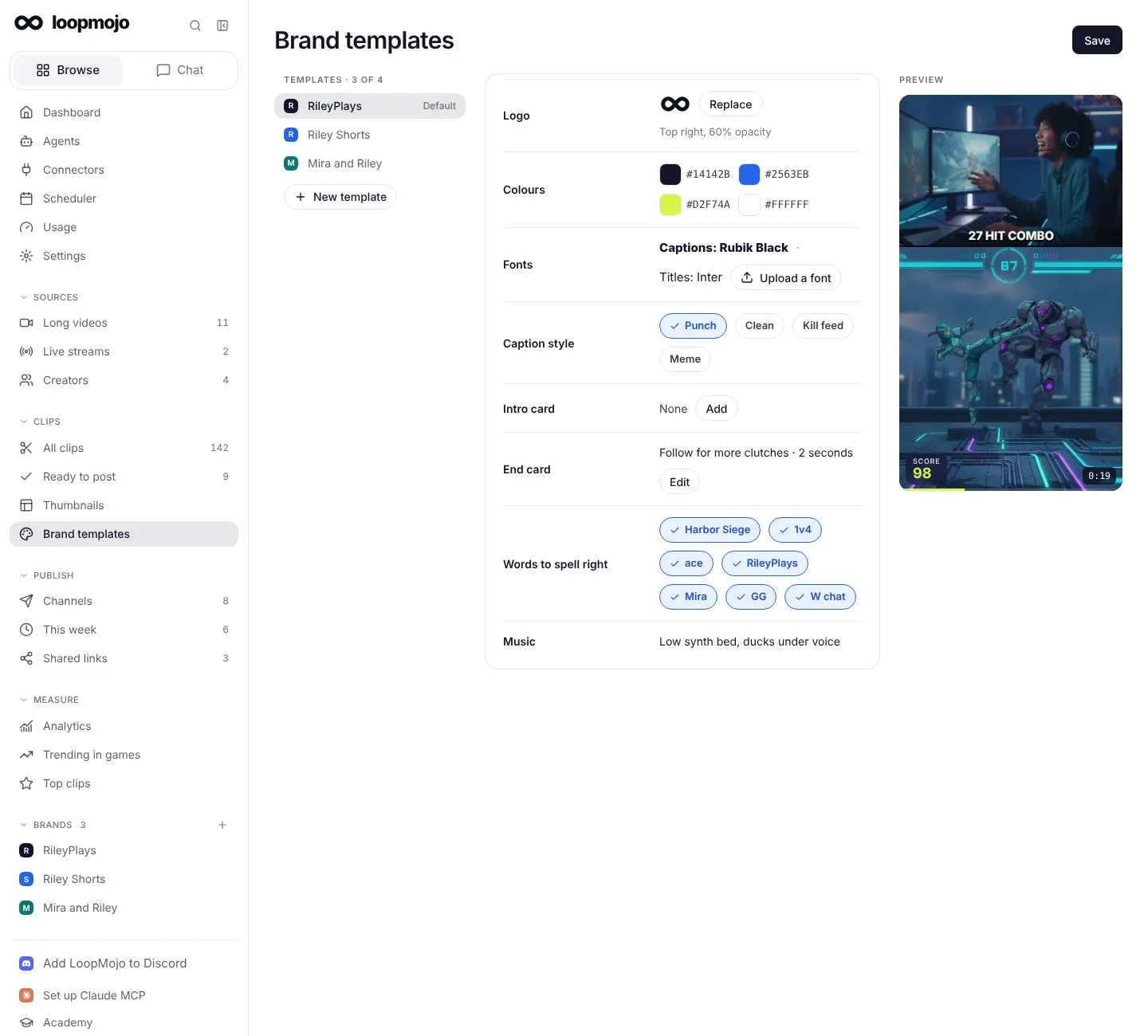
Logo, fonts, colours, caption style and the words to spell right.
Approvals built in
Nothing posts until the right person says yes.
In the app
Here is what it looks like inside
A normal week
What a normal week looks like
Mon
Webinar recording in
From Zoom, YouTube or a file.
Mon
12 clips on brand
Your template applied.
Tue
Team approves
Comments right on the clip.
All month
3 posts a week
LinkedIn, Shorts, Reels, X.
Questions
Asked by brands
Can legal or the brand team approve first?
Yes. Set approvers per brand. Nothing posts without them.
Does it keep our fonts and colours?
Yes. Upload custom fonts, logos, end cards and colour rules.
Can we use it on LinkedIn company pages?
Yes. Company pages and personal profiles.
Is our data used to train models?
No. Your videos are used only to make your clips.








Try it on your next webinar
You get 60 free minutes every month. No card.
Works withZoom, Riverside or any video file