Skip the dashboard. Just ask for your clips.
Connect loopmojo to Claude or ChatGPT once. After that you can clip, post and check how things did by typing what you want, the same way you would text an editor.
In Claude
You: Clip last night's stream and post the best three to Shorts and TikTok at 6 pm.
- loopmojofind_clips
- loopmojoschedule_posts
Claude: Found 18 clips in the 3 hour stream. These three scored highest:


1V4 WITH 3 HP
Score970:341V4 WITH 3 HP, Mojo Score 97, 0:34 

THEY DIDN'T SEE ME
Score950:27THEY DIDN'T SEE ME, Mojo Score 95, 0:27 

LAST ONE STANDING
Score930:31LAST ONE STANDING, Mojo Score 93, 0:31
Done. Six posts are scheduled for 6:00 pm, three on Shorts and three on TikTok. Want me to send the rest to Reels tomorrow?
In ChatGPT
You: Pull the best moments from episode 42 for LinkedIn.
ChatGPT: Here are the three strongest moments from episode 42. Tap Schedule on any of them, or tell me to post all three.
loopmojo3 clips ready
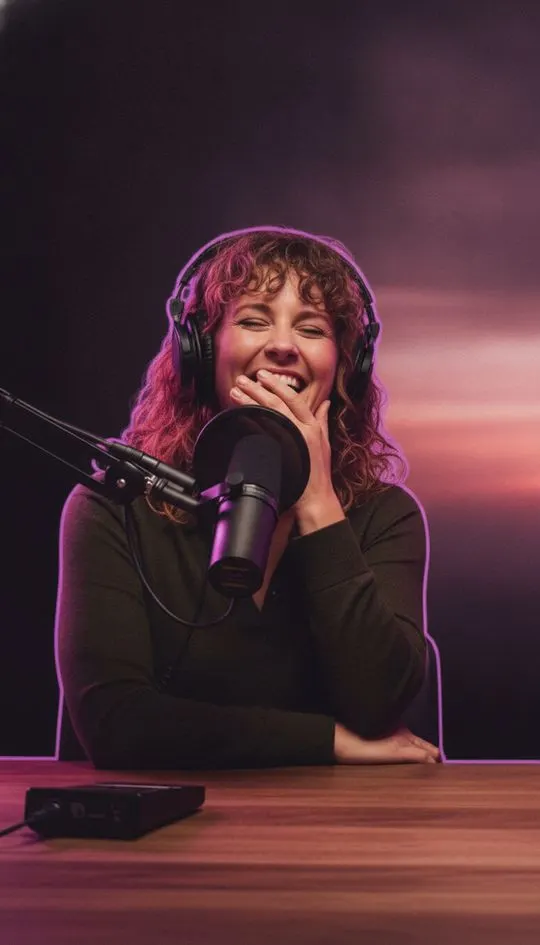
WE ALMOST QUIT
Score970:48WE ALMOST QUIT, Mojo Score 97, 0:48 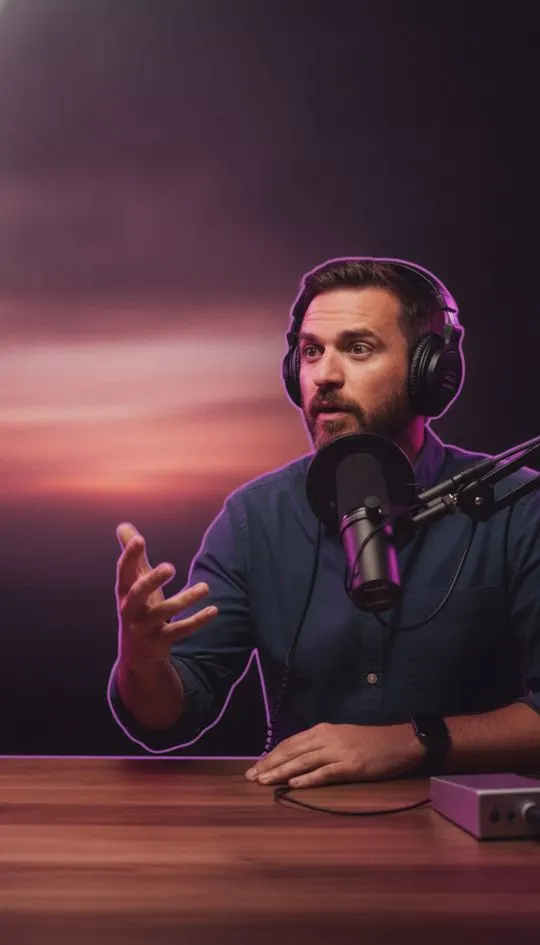
THE TRUTH ABOUT GROWTH
Score950:52THE TRUTH ABOUT GROWTH, Mojo Score 95, 0:52 
WE MADE IT
Score920:41WE MADE IT, Mojo Score 92, 0:41
Want me to send your co-hosts their clips so they can share them too?
How it works behind the scenes
You never open loopmojo. Here is what happens instead.
Claude and ChatGPT talk to loopmojo for you, using the same tools the app uses. Your channels, brand templates and approval rules all still apply.
- Claude
- ChatGPT
- Your own agent, via the API
You ask
In Claude, ChatGPT or your own agent: “clip last night’s stream and post the best three at 6 pm.”
It calls loopmojo
The request goes to loopmojo’s MCP server or API, signed in as you. No dashboard opens.
loopmojo does the work
Imports the video, finds and ranks the moments, applies your brand template.
You approve in the chat
The clips show up right there. Say yes, change one, or ask for different ones.
It posts
Each clip goes to your channels at the best time, with its own title.
What it can do
The tools Claude and ChatGPT get
- import_video
- Bring in a link or a file
- find_clips
- Find and rank the best moments
- edit_clip
- Change captions, hook, layout or length
- dub_clip
- Translate into 18 languages
- schedule_posts
- Post or schedule to any of 40 channels
- share_review_link
- Send clips for approval
- connect_channel
- Add a new channel
- get_stats
- Views by clip, channel or video
Setting it up
It takes about two minutes
In Claude
Open Settings, then Connectors, and add loopmojo. Sign in and pick which channels Claude can use.
In ChatGPT
Search for loopmojo in the app directory and tap Connect. Same sign in, same choices.
Anywhere else
Point any MCP client at mcp.loopmojo.ai, or call the API with a key from your settings.
{
  "mcpServers": {
    "loopmojo": {
      "url": "https://mcp.loopmojo.ai",
      "auth": "oauth"
    }
  }
}curl https://api.loopmojo.ai/v1/clips \
-H "Authorization: Bearer $LOOPMOJO_KEY" \
-d url="https://twitch.tv/videos/2210" \
-d count=10 \
-d channels="shorts,tiktok"You stay in charge
It can only do what you let it do
You pick the channels
Claude and ChatGPT only see the channels you allow.
Approvals still apply
If a brand needs sign off, the clip waits for it.
Everything is logged
See every action. Cancel any scheduled post.
Working as a team
Pro comes with 3 seats and review links, and Business adds as many seats and workspaces as you need. A clip sent for approval waits for sign off, whether a teammate or Claude sent it.
Connect it once and see
You get 60 free minutes every month. No card.
Works withZoom, Riverside or any video file